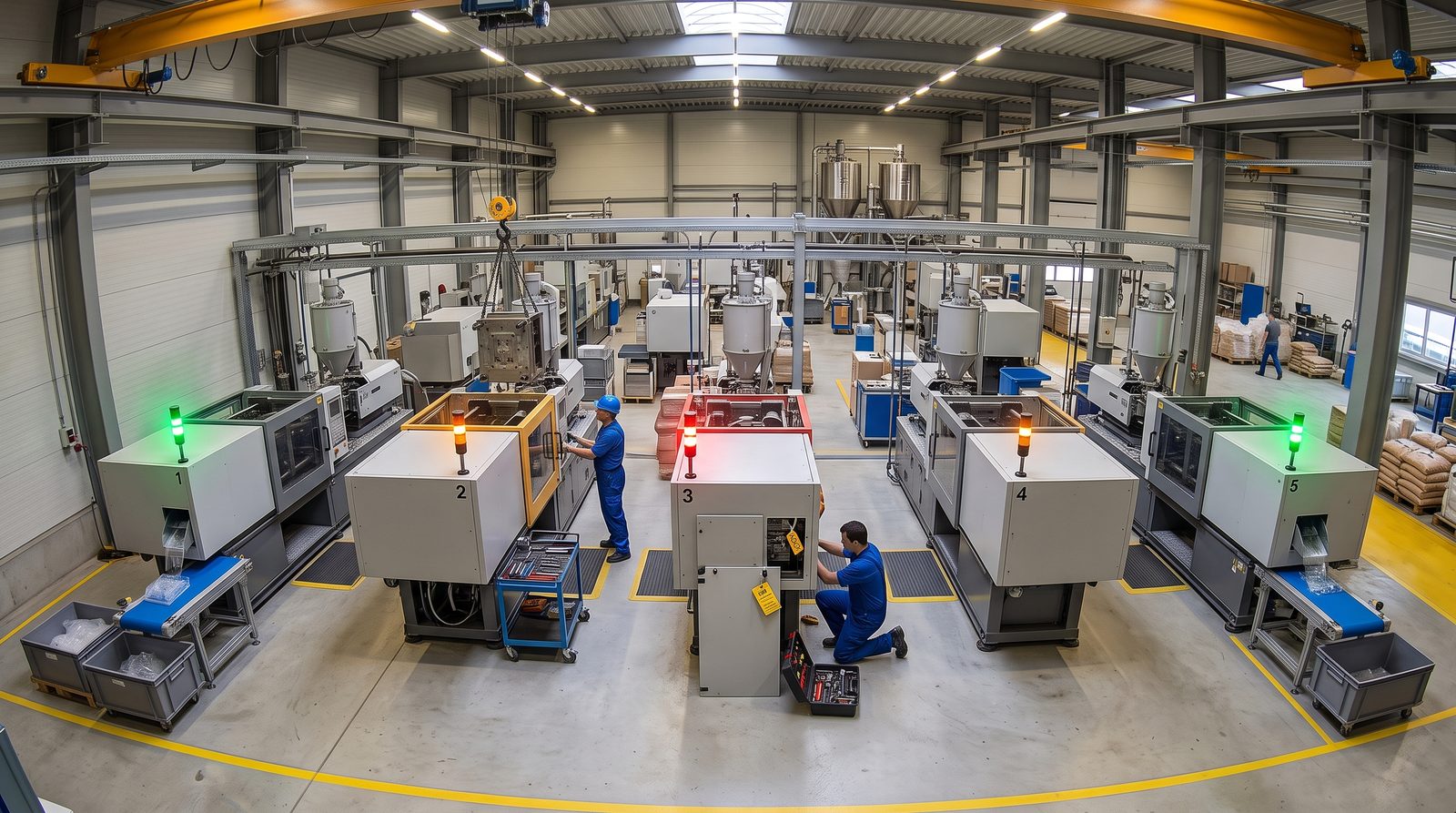
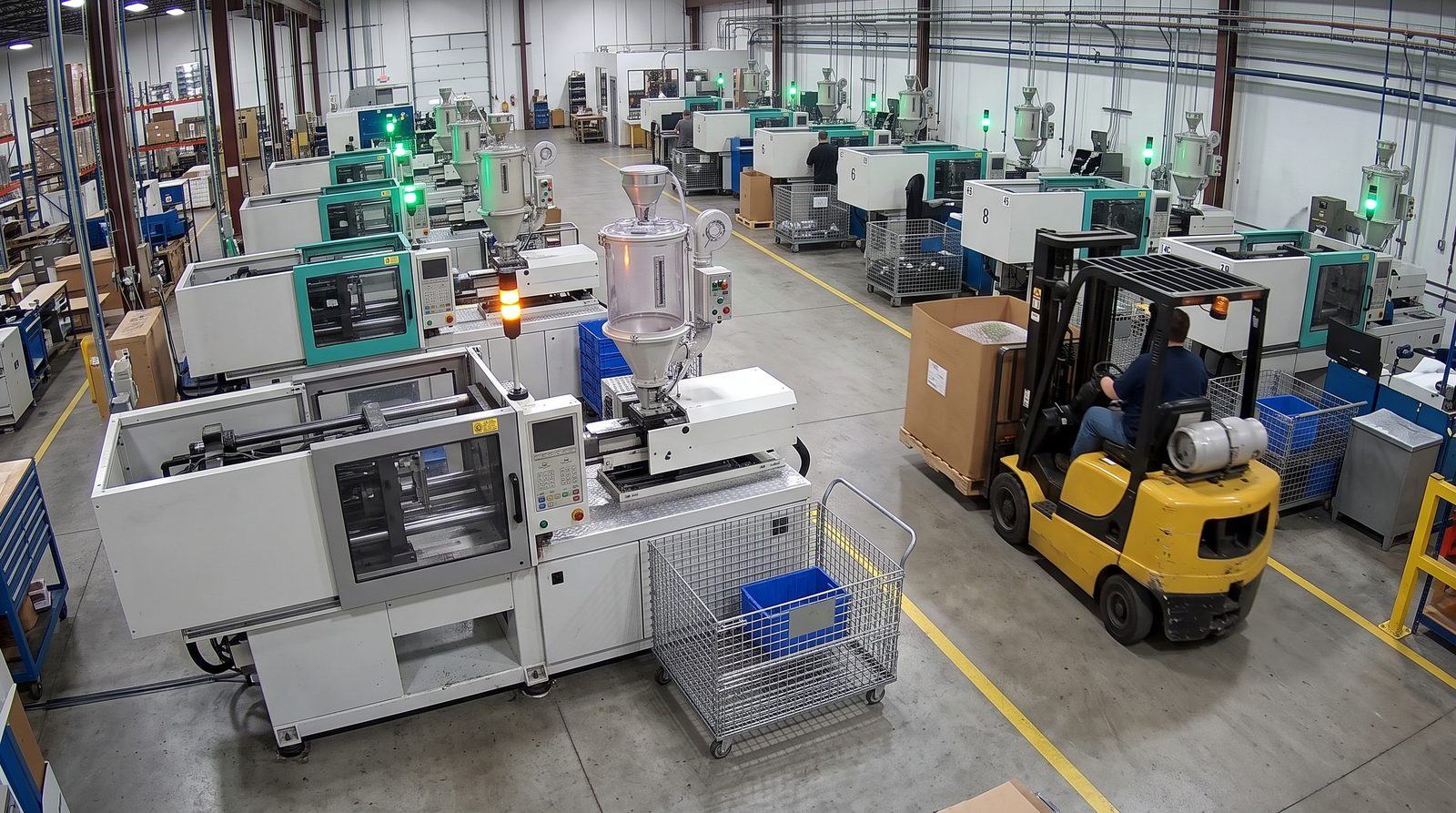
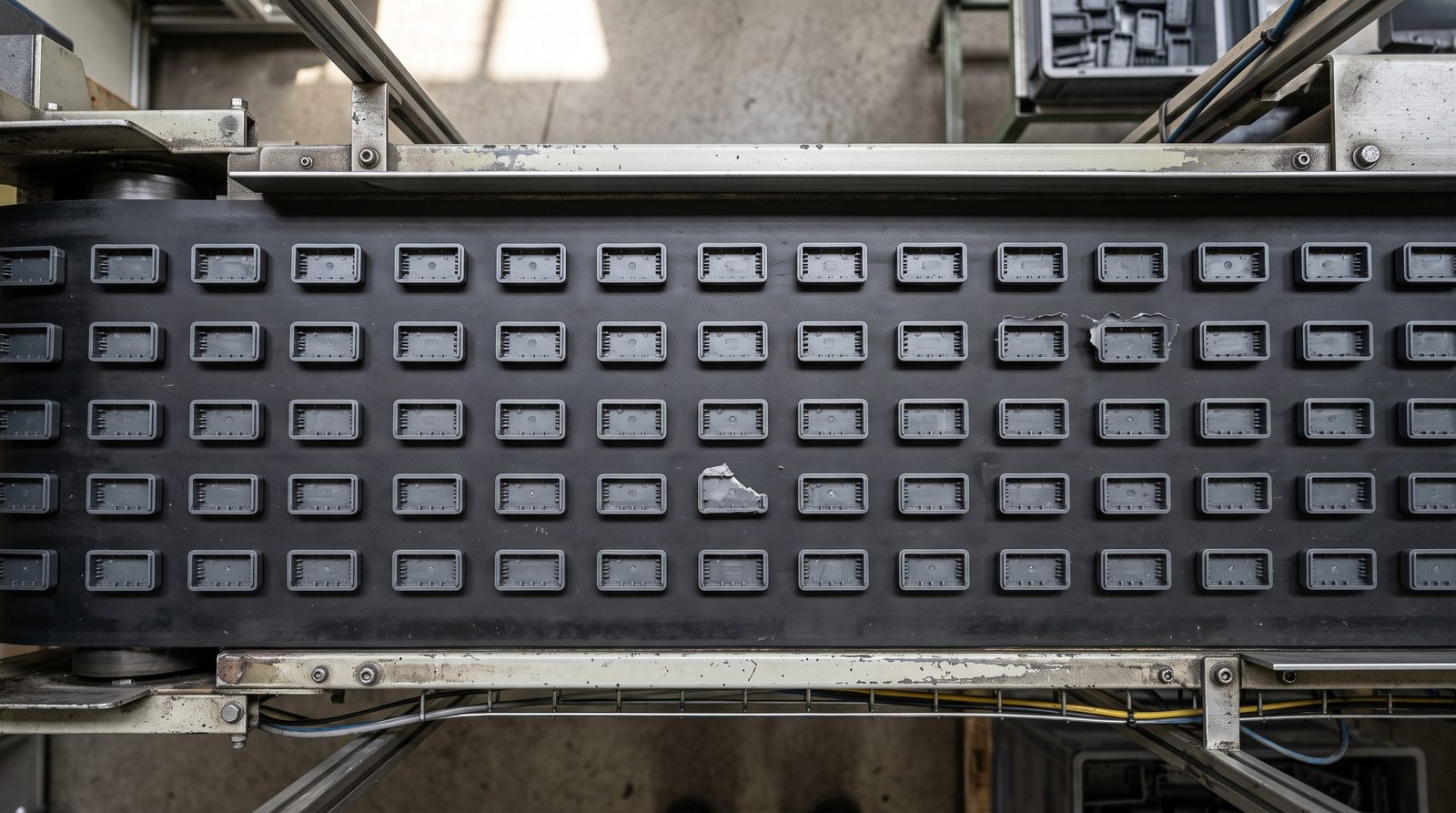
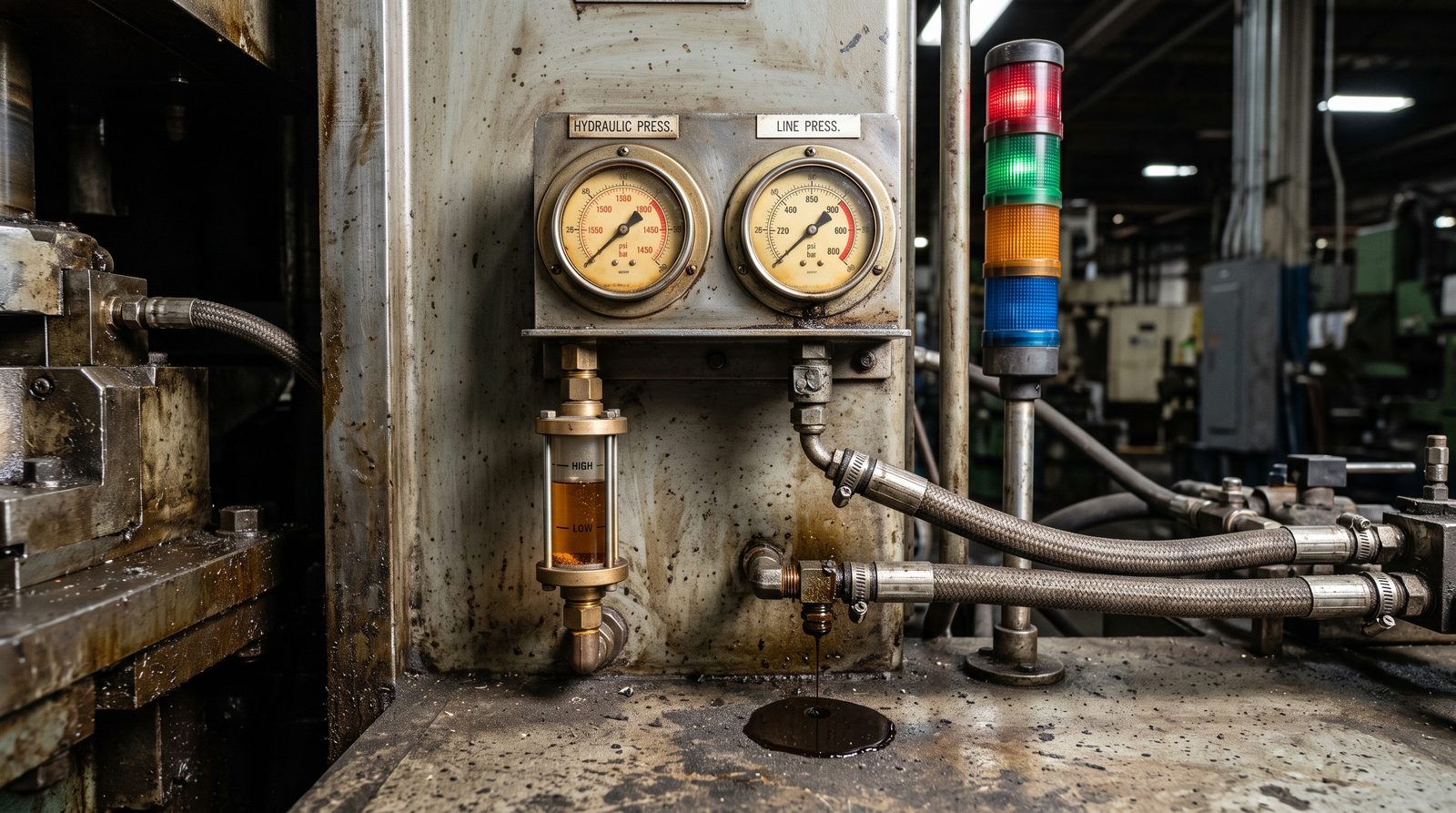
Agnify reads machine state from the cameras you already have: running, changeover, maintenance, waiting on material, down. Every stop gets its reason and the clip, and every part is counted and checked: OEE with the reason behind every loss, and no codes typed into a tablet.
Of planned production time lost to downtime in US discrete manufacturing, about $245B a year1
NIST, Annual Report on the U.S. Manufacturing Economy, 2024Top-end cost of one hour of unplanned downtime for a small or mid-sized manufacturer2
Siemens, True Cost of Downtime 2024Of defective parts caught by trained inspectors, who also rejected 35% of good ones3
Sandia National Laboratories, 2015Of manufacturers still enter production data by hand4
NAM Manufacturing Leadership Council, 2024Availability from real stop times, performance from counted cycles, quality from rejects seen at the outfeed. Each of the six big losses gets its own time, cause and clip.
Time the machine was scheduled but not running.
Running, but slower than it should.
Parts made that weren't good.
Example data. OEE = availability × performance × quality.
Clamps, cycle sensors and stack lights show the same red for a tool change, an empty parts cart or nobody at the press. The reason waits for someone to enter it, often hours later. The camera sees the cause and saves the clip.
P7 · 09:30 to 10:30 · example data
Someone picks a reason at the end of the shift. Often it's "Other".
Every minute lands in an OEE loss you can act on. You choose each machine's states, and we build them from what the camera sees: the gate, the mold, the operator, the parts cart, the technician. Below, half a shift on the presses above.
Select a segment to see what the camera saw.
Each machine type gets its own states and stop reasons.
Which of your machines should we look at first?Send a few hours of footage. We'll show you its states and OEE losses.
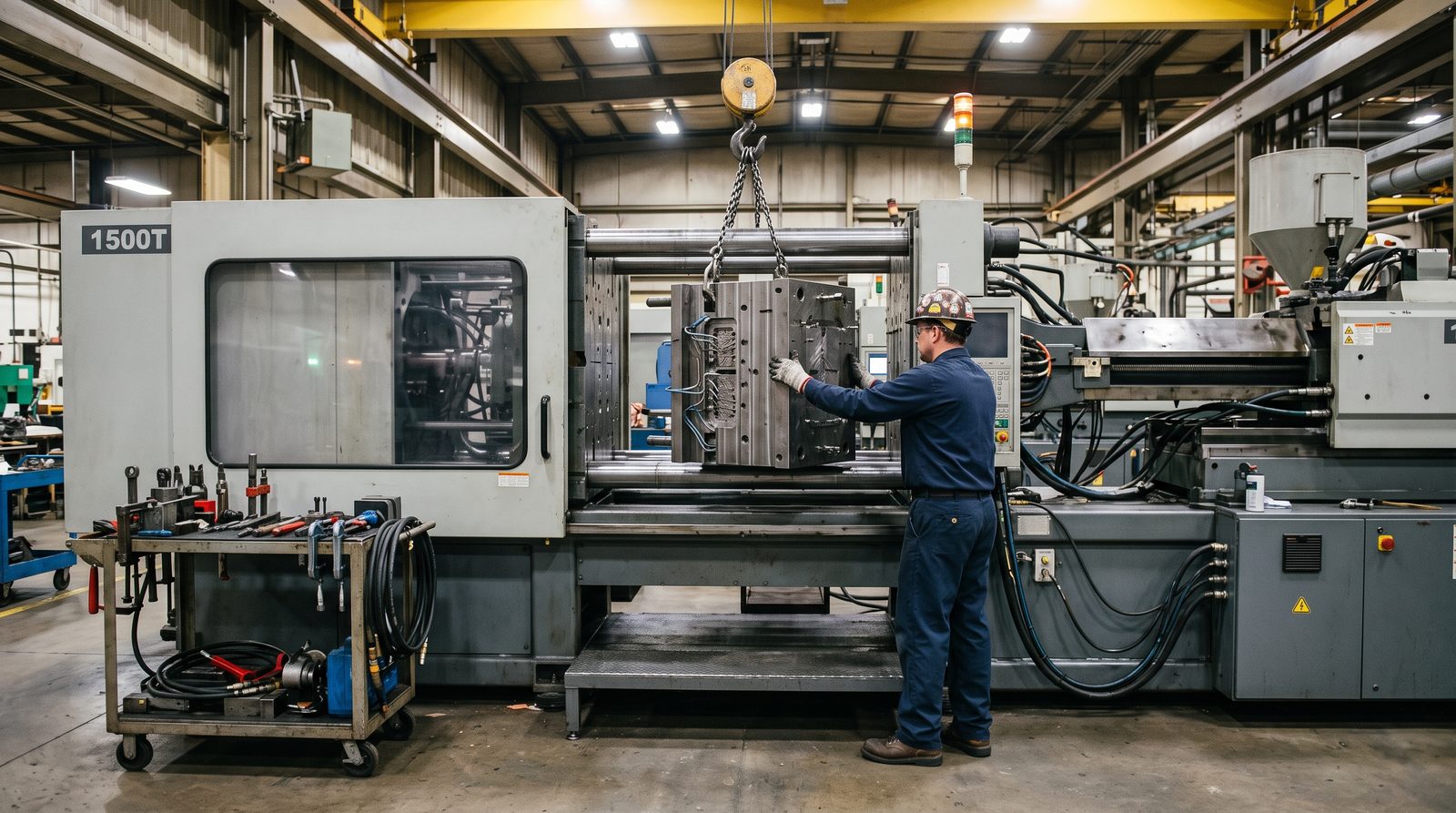
Book a free feasibility studyChangeover is an availability loss. A sensor or app logs when it starts and ends. The camera shows what happened in between: which minutes were waiting, which were fetching and which were the work.
Use your own numbers. Illustrative, not a promise.
Minutes saved × changeovers a day × 250 days. Freed time becomes output only if the machine is the constraint and there's demand.
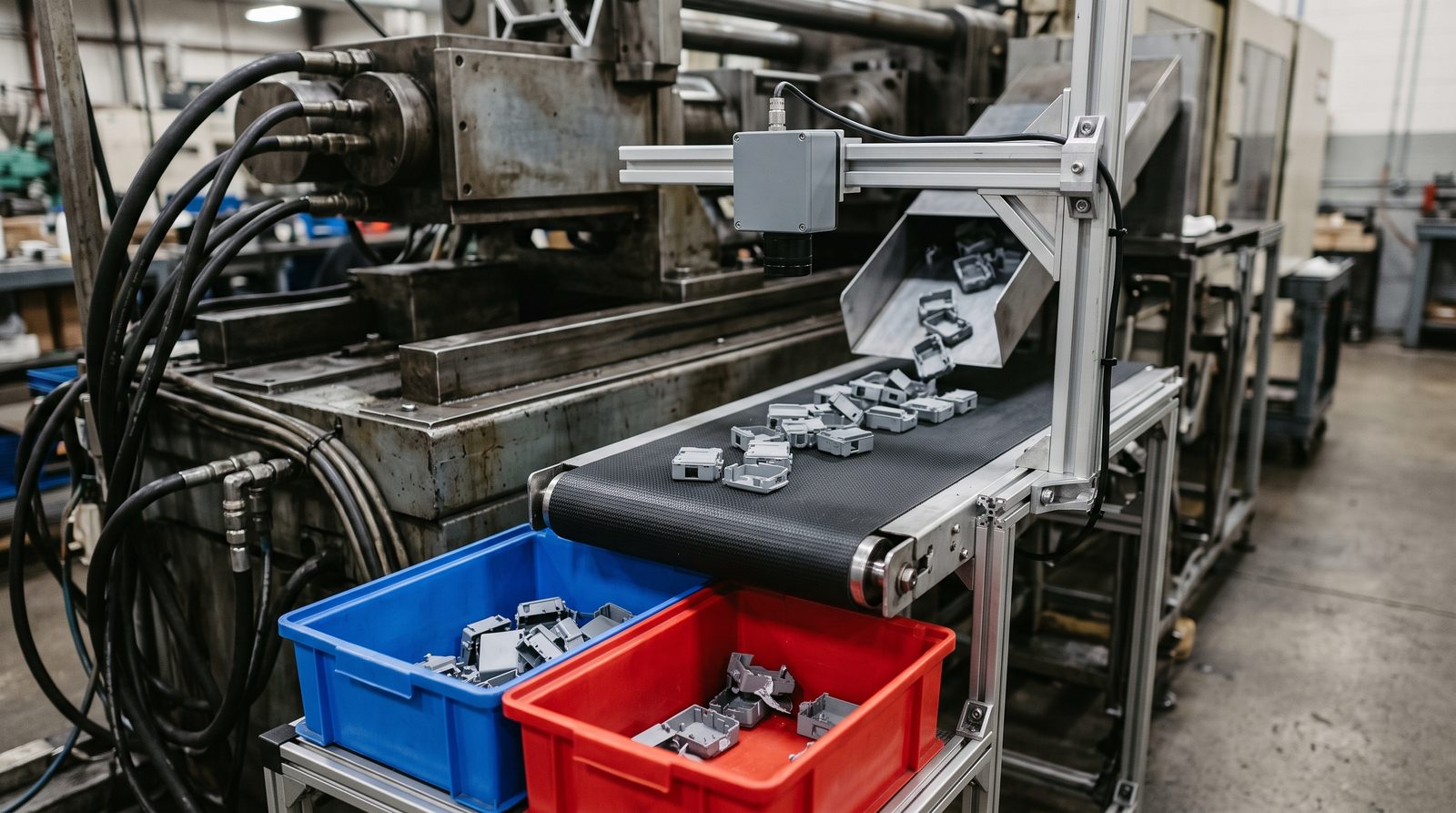
Most monitoring tools count cycles and leave scrap to a button press. A camera over the outfeed counts good parts and rejects for the quality side of OEE, checks each part for visible defects, and shows what changed when rejects rise.
Part checks need a camera over the outfeed. Reject counts can come from a camera that already sees the bins.
US manufacturing equipment averages 9 years old by value, and many machines are far older.5 Legacy equipment is manufacturers' top smart-factory roadblock.6 Those machines still have gauges, sight glasses and stack lights. A camera can read them.
Sensors and controllers count cycles well. They can't explain a stop, break down a changeover or check a part. Agnify fuses their signals with what the camera sees.
| What you need | Retrofit sensorsCurrent clamps, cycle sensors, buttons | Controller or PLC connectionWhere the machine has one | Agnify cameras + signal fusionExisting cameras, plus one where needed |
|---|---|---|---|
| Run, stop and cycle counts | YesCheap and very reliable | YesExact, from the controller | YesFrom the scene, or from your signal where one exists |
| Why it stopped | Operator inputA button or a reason picked on a terminal | PartlyAlarms and program states; not an empty cart or a missing operator | YesNo operator, no material, tool change, jam, maintenance, with the clip |
| Inside a changeover | Start and endLogged in an app | Start and endFrom program changes | Each stepWaiting, fetching, mold out, mold in, first good part |
| Part quality | Operator inputScrap entered by hand | If wiredReject counts from the machine | YesCounted and checked at the outfeed |
| Older machines with no network | YesA sensor on each machine | NoNeeds a controller to connect to | YesStack light, gauges, motion, parts |
| Inside an enclosed machine | YesNo line of sight needed | Yes | With fusionCamera on the door, light and outfeed; signal for the inside |
| Around the machine | No | No | YesMaterial staged, carts, forklifts, operator at the station |
| Hardware on each machine | A sensor and a battery per signal | A connection and gateway per machine | None where a camera already sees it; one camera can cover several machines |
Signal fusion. Where a machine has a PLC output, stack-light tap or cycle sensor, Agnify uses it for exact counts and timing, and the camera for the reason, the changeover steps and the part check.
Each one is scoped in a feasibility study and tested on your footage.
No sensor on every machine and no controller integration to start. We connect to your existing feeds, add a camera where a view is missing, and bring in machine signals where they help.
RTSP streams, your NVR or recorded footage, mapped to the machines each camera sees.
Your team decides which states and stop reasons matter. Agnify's engineers program them and test on your footage before go-live.
State timelines by machine and shift, alerts with the frame, reports, and events through the API.
Nothing to host. Results in minutes for dashboards, shift reports and trend alerts.
Alerts the moment a machine stops, from a server next to your cameras.
Machine signals in. States, counts and events out to your MES, BI or spreadsheets.
A free feasibility study on one cell or line, with an agreed end date.
Sensors count cycles well, and Agnify can use their signal. They can't tell you why a machine stopped, what happened in a changeover or whether the parts are good. The camera can, and keeps the clip.
Often not for machine states: a camera that sees the machines and their stack lights is usually enough. For part checks we suggest a camera over the outfeed. The feasibility study checks angles and resolution.
We watch what's visible (door, stack light, outfeed, operator, material) and fuse a machine signal, such as a PLC output or cycle sensor, for the inside.
Reports are by machine, role and shift, never by person. No facial recognition, whole-person blur on request, short retention, and video can stay on a server in your building. We help you brief your teams and any works council or union.
Yes, from a server on site. Dashboards and reports run in the cloud within minutes. Agnify isn't a certified safety system and doesn't replace machine guarding.
We measure it on your footage, against stops, changeovers and rejects your team checks by hand, before anything scales.
Camera streams or an NVR export, and a network path out. A server on site if you need real time or video must stay in the building.
Tell us what you run and what you want to know. We'll reply within one business day.
Images on this page are generated illustrations. Boxes, states, charts, counts and events are example data for illustration only. Capabilities are offered as feasibility-study outcomes and are validated on your footage. Agnify is not a certified safety system and doesn't replace machine guarding.